
📌 Introduction
Launching a WordPress website is just the beginning. To keep it secure, fast, and performing at its best, regular maintenance is essential.
Many businesses ignore maintenance until something breaks—like a hacked site, slow speed, or broken functionality. A simple monthly checklist can prevent these issues and keep your website running smoothly.
In this guide, you’ll learn a practical monthly WordPress maintenance checklist that helps protect your website and improve performance.
🔄 Why WordPress Maintenance Is Important
- 🔐 Protects your website from hackers
- ⚡ Keeps your site fast and optimized
- 📈 Improves SEO performance
- 🛒 Ensures smooth user experience
- 💰 Prevents costly downtime
👉 Regular maintenance = long-term business success
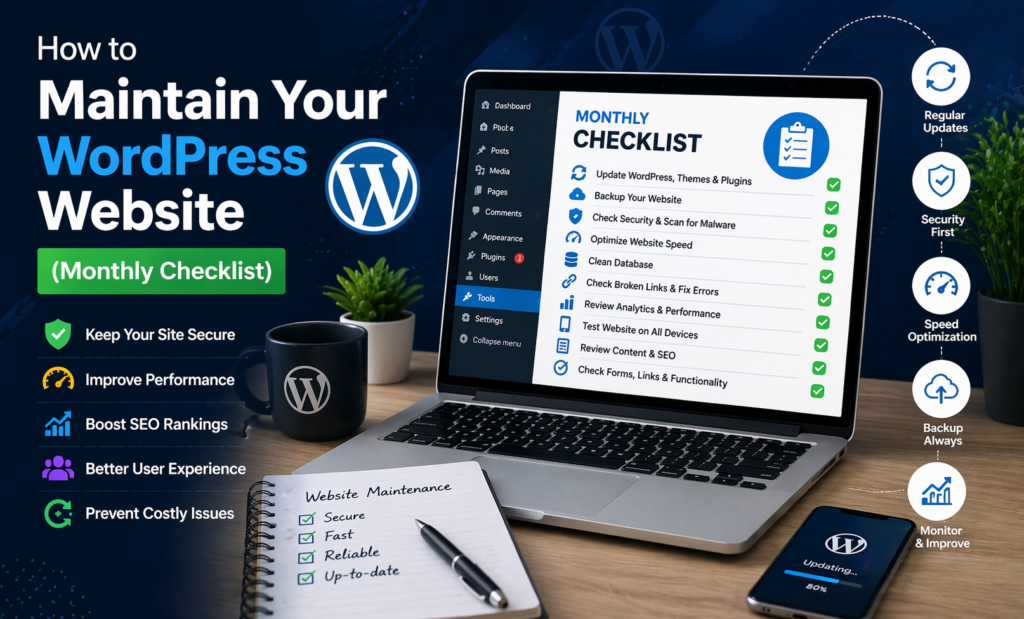
✅ Monthly WordPress Maintenance Checklist
1. 🔄 Update WordPress Core, Themes & Plugins
Why it matters:
Updates fix bugs, improve performance, and patch security issues.
What to do:
- Update WordPress core
- Update all plugins
- Update themes
👉 Always take a backup before updating.
2. 💾 Take Full Website Backup
Why it matters:
Backups protect your data in case of crashes or hacks.
What to do:
- Backup files and database
- Store backups in cloud (Google Drive, Dropbox)
- Test backup restoration
3. 🔐 Check Website Security
Why it matters:
WordPress sites are common targets for attacks.
What to do:
- Scan for malware
- Check login attempts
- Update passwords regularly
- Enable firewall protection
4. ⚡ Optimize Website Speed
Why it matters:
Slow websites lose visitors and rankings.
What to do:
- Clear cache
- Optimize images
- Minify CSS/JS
- Test speed using tools
5. 🗄 Clean Database
Why it matters:
Unused data slows down your website.
What to do:
- Remove post revisions
- Delete spam comments
- Clean unused tables
6. 🔍 Check Broken Links
Why it matters:
Broken links hurt SEO and user experience.
What to do:
- Scan for broken links
- Fix or remove them
- Redirect old URLs
7. 📱 Test Website on All Devices
Why it matters:
Users visit from mobile, tablet, and desktop.
What to do:
- Test responsiveness
- Check layout on mobile
- Fix UI issues
8. 🧩 Review Plugins
Why it matters:
Too many plugins can slow your site.
What to do:
- Remove unused plugins
- Replace heavy plugins
- Check plugin conflicts
9. 📊 Monitor Website Analytics
Why it matters:
Understanding user behavior helps improve performance.
What to do:
- Check traffic trends
- Monitor bounce rate
- Identify top-performing pages
10. 📝 Review Content & SEO
Why it matters:
Fresh content improves rankings.
What to do:
- Update old content
- Optimize keywords
- Check meta titles and descriptions
📅 Bonus: Weekly Quick Checks
- Check website uptime
- Test contact forms
- Review orders (for eCommerce sites)
- Monitor security alerts
📊 Benefits of Regular Maintenance
✔ Improved website speed
✔ Better security and protection
✔ Higher SEO rankings
✔ Improved user experience
✔ Increased conversions
⚠️ Common Mistakes to Avoid
❌ Skipping backups
❌ Ignoring updates
❌ Using outdated plugins
❌ Not testing after changes
❌ Overloading site with plugins
🏁 Conclusion
Your WordPress website is a valuable business asset—but only if it’s properly maintained.
By following this monthly checklist, you can:
- Keep your site secure
- Improve performance
- Deliver a better user experience
👉 A well-maintained website builds trust and drives growth.
📢 Need Help Maintaining Your Website?
If you don’t have time to manage updates, security, and performance, I can help you with:
- Monthly WordPress maintenance
- Security monitoring
- Speed optimization
- Bug fixing and updates
👉 Let’s keep your website secure, fast, and running perfectly.